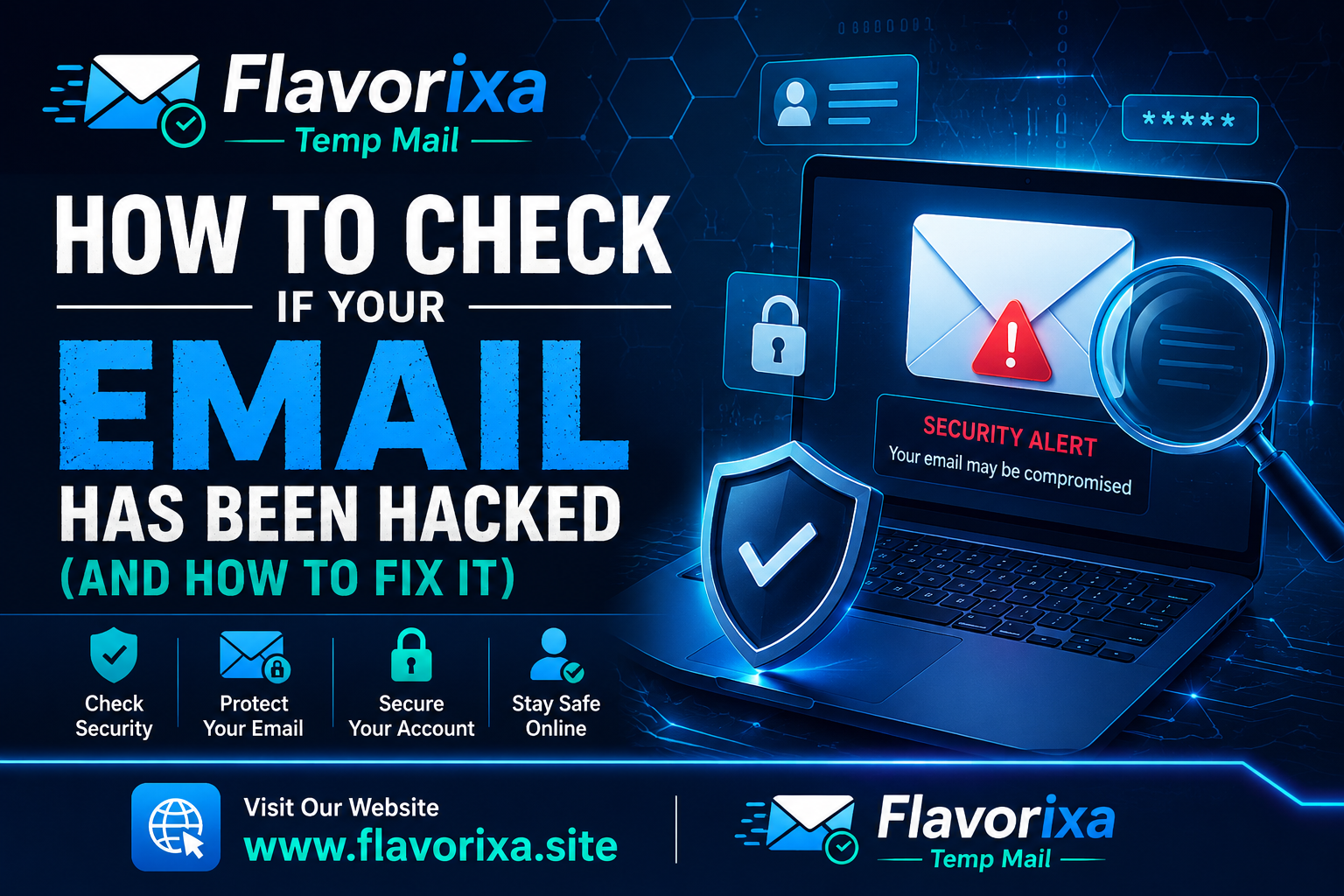
It is one of the most unsettling feelings in the digital world: you try to log into your favorite account, and your password doesn't work. Or worse, your friends start messaging you, asking why you are sending them shady links via email or social media.
With billions of data records leaked over the past decade, email hacking is no longer a rare event—it is an ongoing cyber epidemic. Your email address is the master key to your digital identity; it holds the keys to your bank accounts, personal photos, and sensitive work documents. If an unauthorized person gains access, the damage can escalate within minutes.
But how do you know for sure if your account has been compromised? And if the worst has already happened, how do you kick the hackers out and reclaim your digital security? Let’s break it down step-by-step.
1. The Red Flags: Signs Your Email Is Compromised
Hackers aren't always noisy. Sometimes, they slip into your account silently just to monitor your communications or steal your data without changing your password. Keep an eye out for these subtle warning signs:
-
The "Unrecognized Device" Notification: Security alerts from Gmail or Outlook stating someone logged in from a different city or country.
-
Sent Messages You Didn’t Write: Check your "Sent" folder regularly. If you see emails there that you never authored, your account is actively being used as a spam bot.
-
Password Reset Emails: Receiving unexpected emails asking you to confirm password changes for online banking, streaming services, or shopping sites.
2. The Instant Check: Has Your Data Leaked?
You don't have to guess if your email is floating around on the dark web. There are incredibly reliable, free cybersecurity tools designed to tell you exactly when and where your email address was compromised.
Platforms like Have I Been Pwned maintain massive, secure databases of historical data breaches. By simply entering your email address, the system will tell you if your data was part of a major breach (such as corporate leaks from global platforms) and exactly what information was exposed—whether it was just your email, or your plain-text passwords as well.
3. The Emergency Protocol: What to Do Immediately
If you discover that your account has been breached, you need to act fast to minimize the fallout:
-
Change Your Password Immediately: Create a completely new, complex password that you have never used anywhere else.
-
Kill Active Sessions: Go to your account security settings and click "Log out of all other devices." This instantly kicks the intruder out of their session.
-
Review Your Settings: Check your email forwarding rules. Hackers often set up hidden rules to forward all your incoming emails (including bank OTPs) straight to their own inboxes.
4. The Future Shield: Switch to Smart Registrations
The reality is that most email hacking doesn't happen because someone guessed your password; it happens because a third-party website where you registered suffered a massive data breach, leaking your credentials to the public.
To break this cycle, you must stop handing out your primary email address to every casual website, forum, or online tool you encounter. Utilizing a temporary email service for these daily registrations creates an impenetrable shield. By keeping your high-value primary email completely offline and hidden from unverified databases, you eliminate the risk of future leaks before they can even start.
Conclusion
Discovering your email has been compromised is stressful, but it is a solvable problem if you act with speed and precision. By monitoring active sessions, updating your security habits, and utilizing disposable emails to secure casual sign-ups, you ensure that your digital identity remains strictly under your control.
Your digital safety starts with knowing when to share your real data—and when to use a tool to protect it.